
8bit Pixel Lab - Windows, Mac & Linux
A downloadable tool
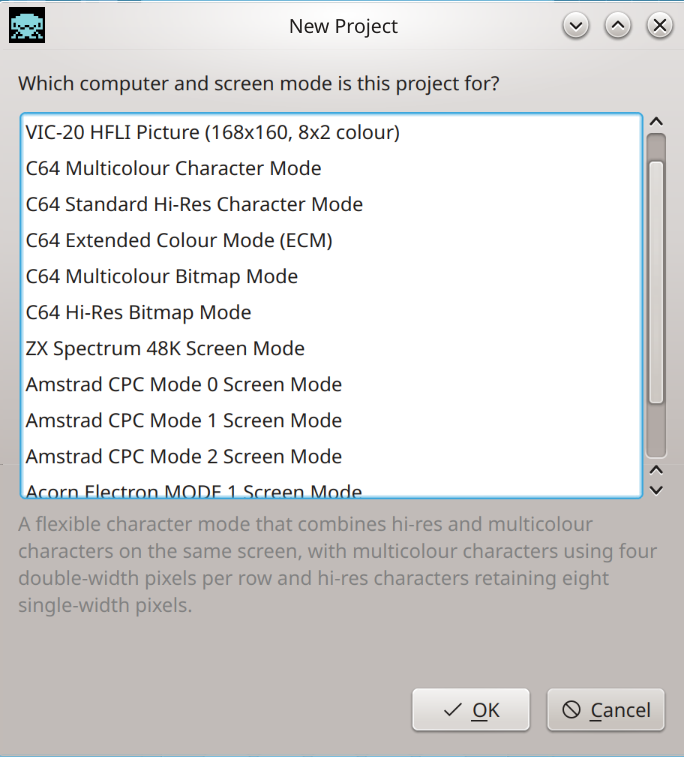
8bit Pixel Lab is a graphics and level editor for creating authentic artwork for classic 8-bit computers.
Choose your target machine and screen mode, then draw directly within its real colour, pixel and attribute limitations. Whether you're creating character sets, sprites, tiles, backgrounds, loading screens or complete game levels, Pixel Lab helps ensure your artwork conforms to the hardware you're targeting. Powerful import and export tools make it easy to bring existing artwork into the editor and get your finished graphics and map data into your development workflow.
Features
Platforms — Runs on Windows, Mac and Linux.
Hardware-aware pixel editing — Pixel Lab understands the colour, pixel, aspect ratio and attribute restrictions of each supported screen mode and applies them as you draw.
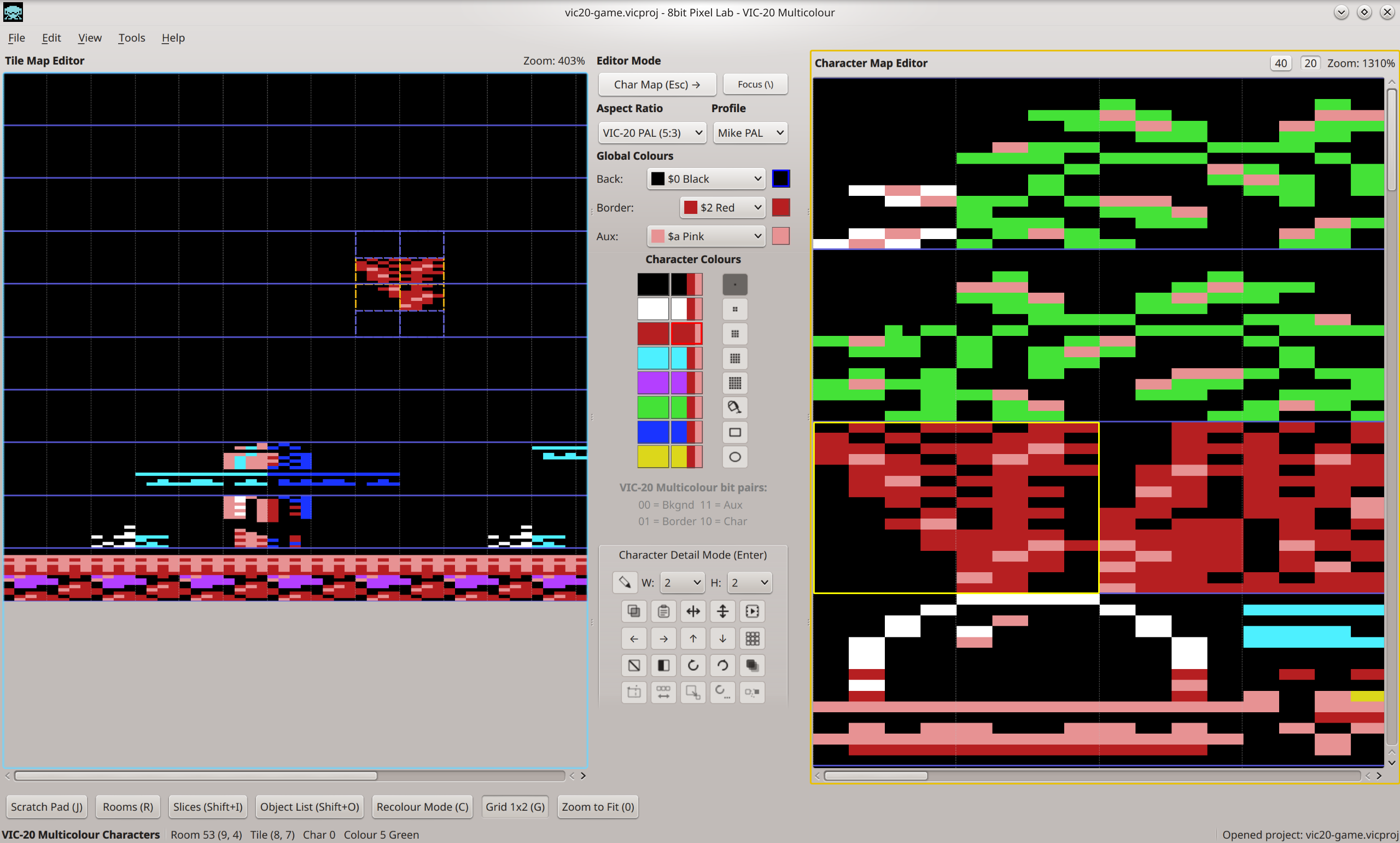
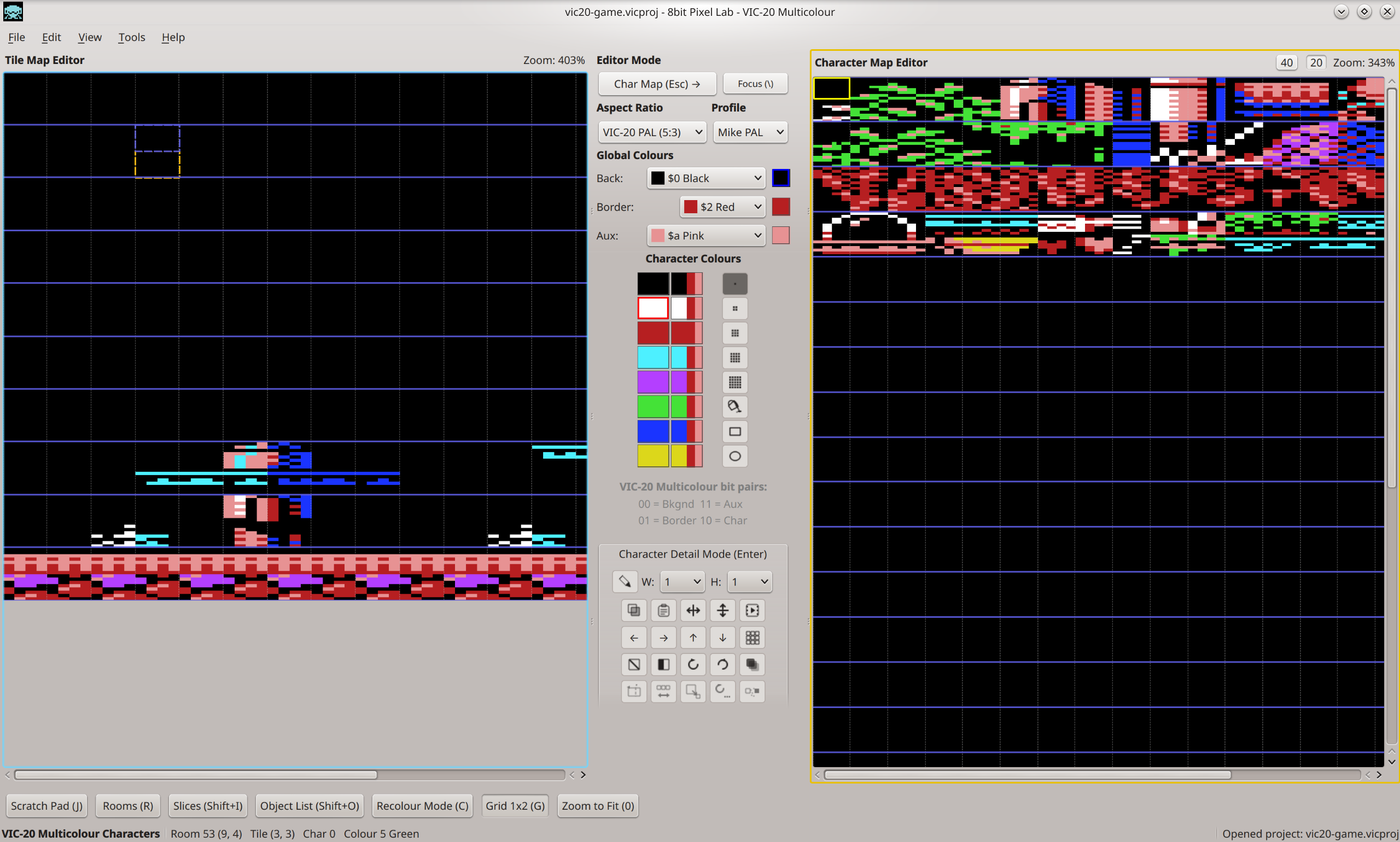
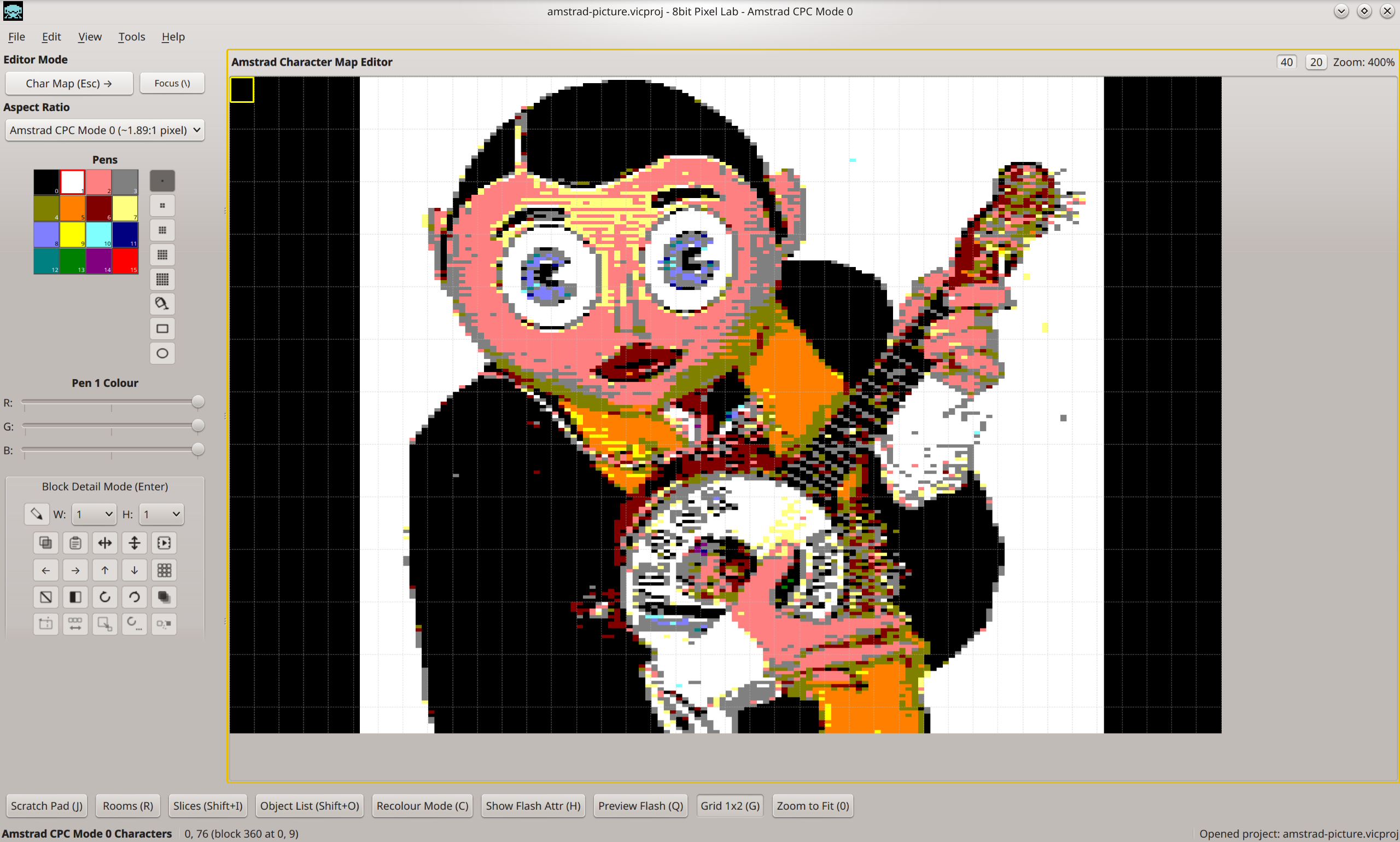
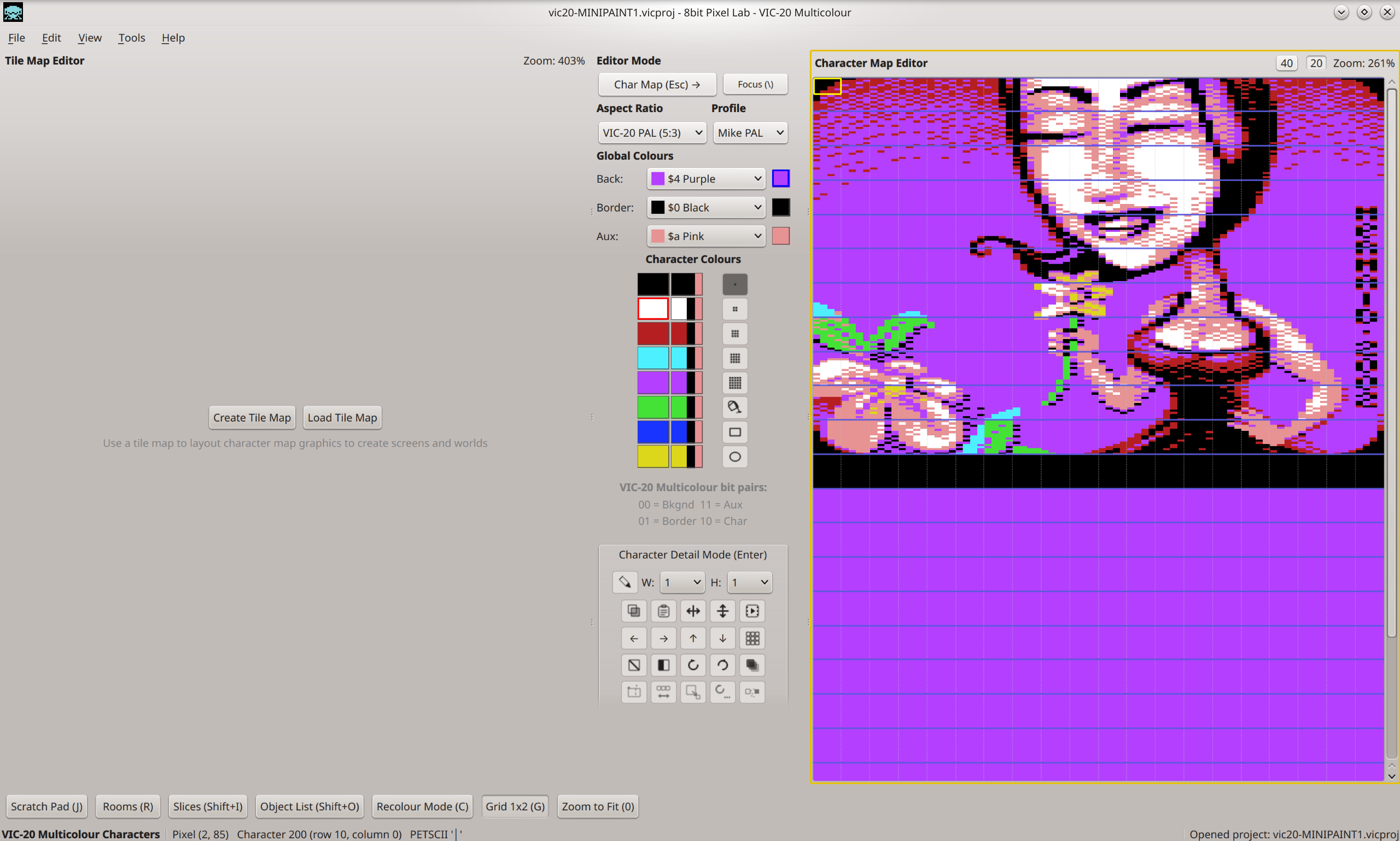
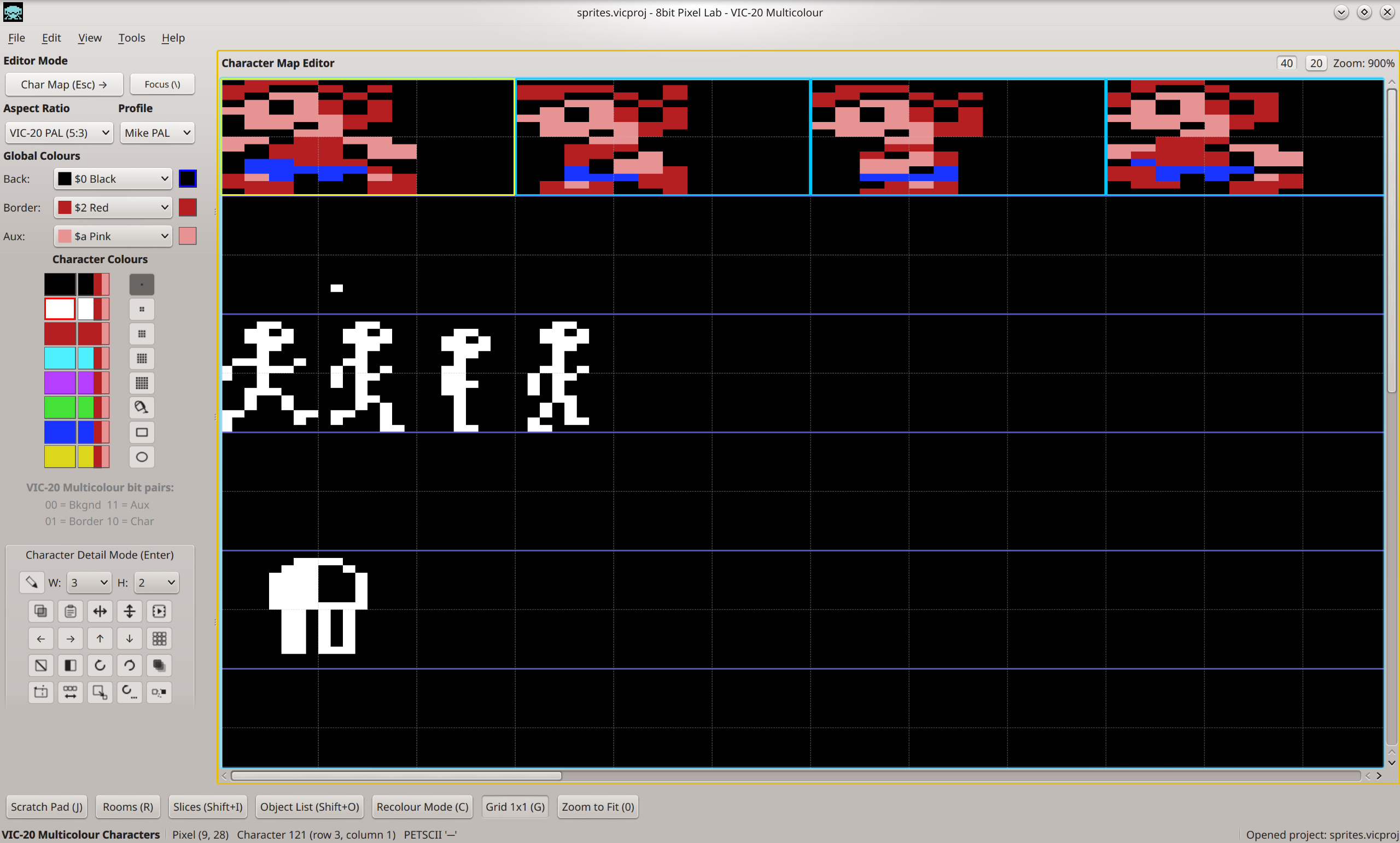
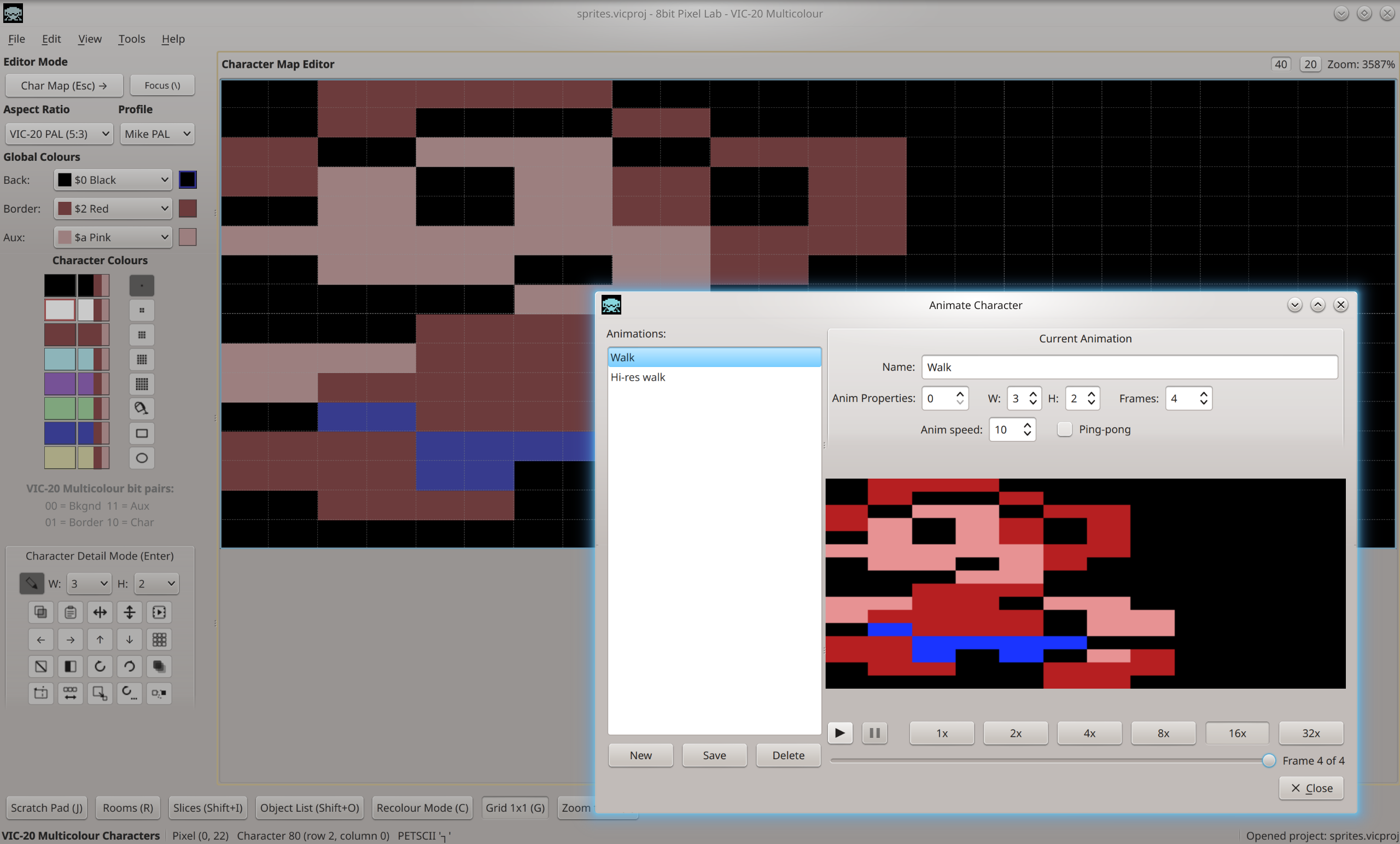
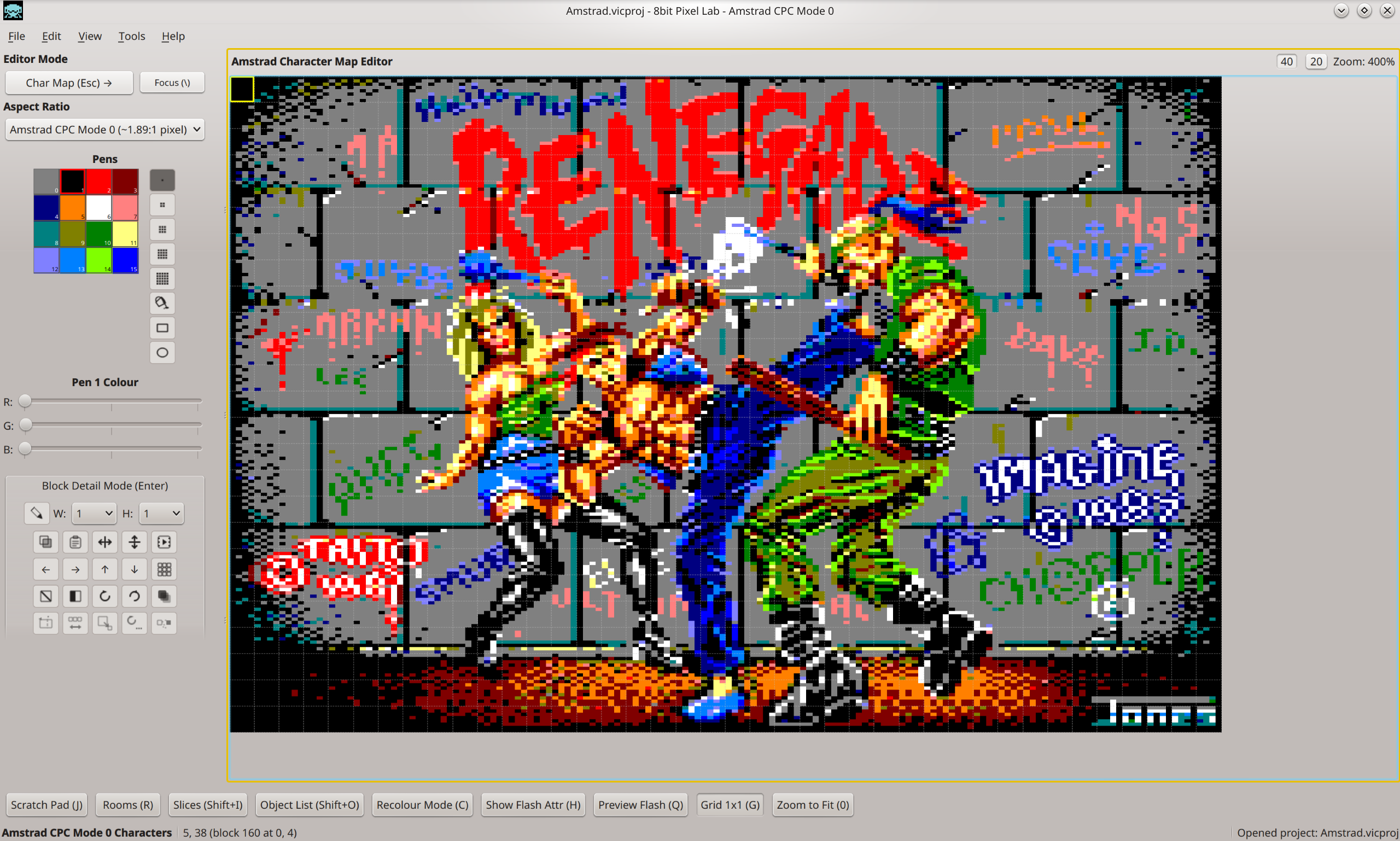
Character Map Editor — A flexible pixel-art workspace for creating characters, tiles, sprites, backgrounds, loading screens and general graphics.
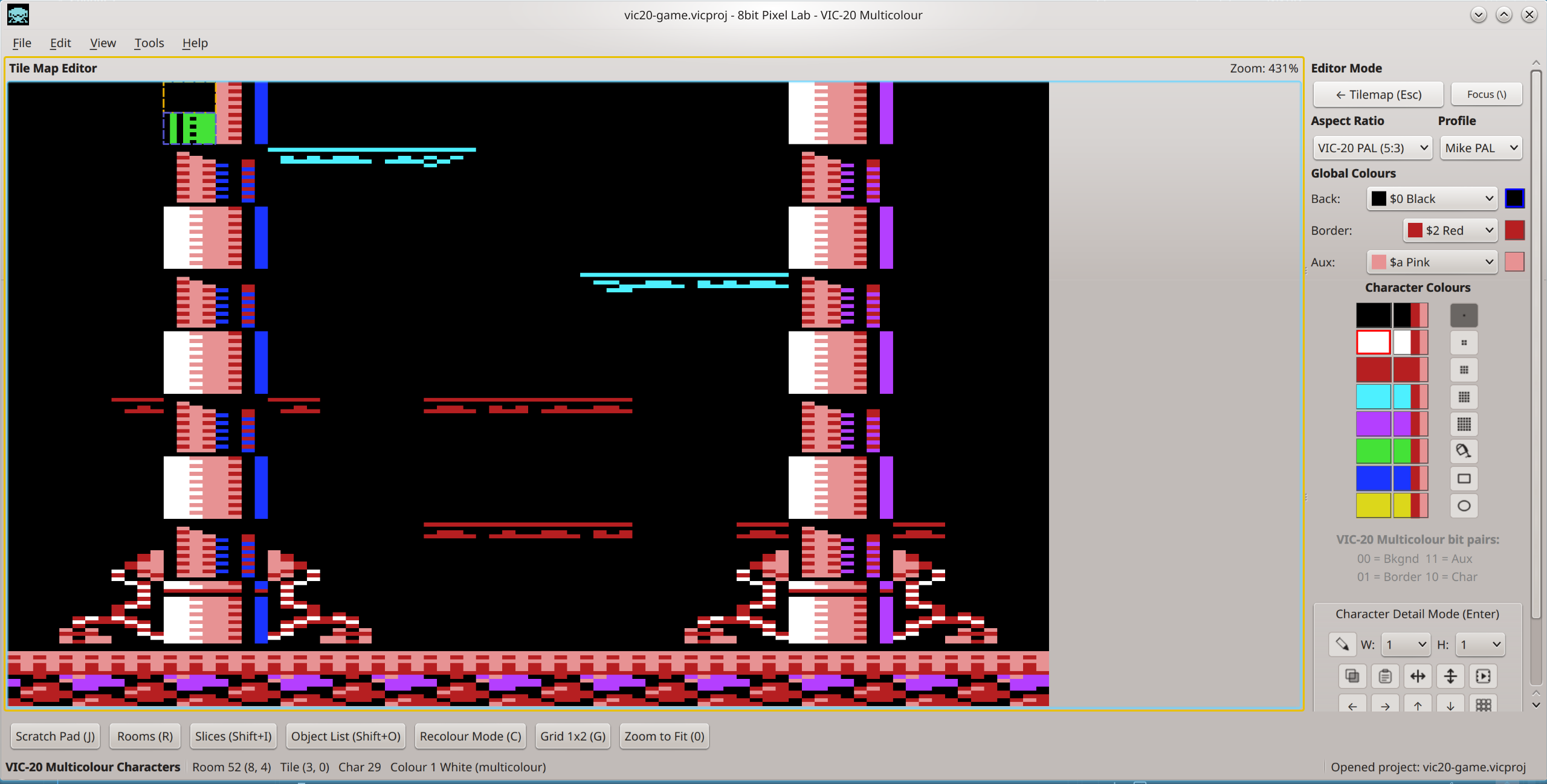
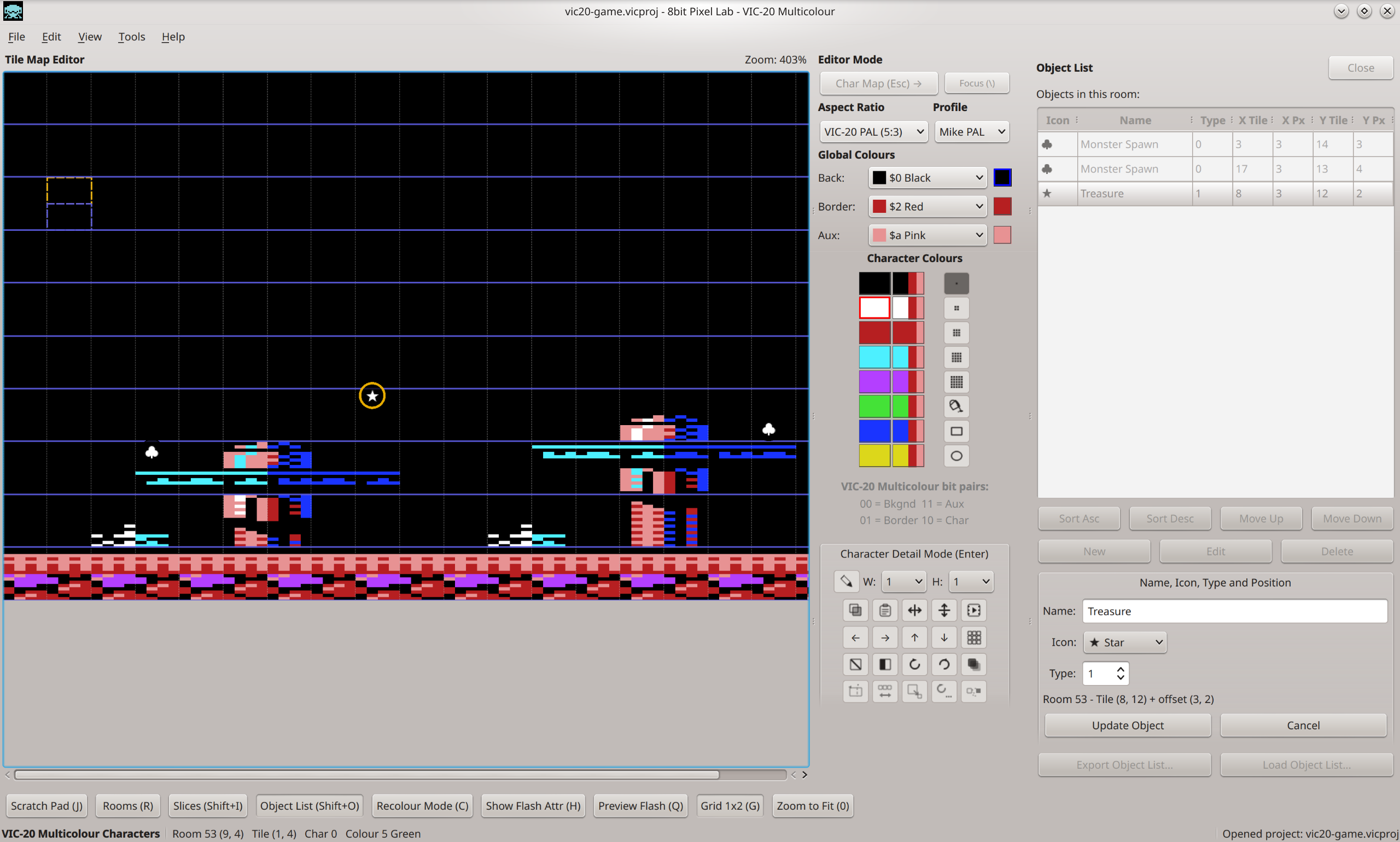
Tile Map Editor — Build complete rooms, screens and game levels from your characters and tiles.
Live character/tile synchronisation — Edit a graphic once and every instance of it in your tile maps updates automatically.
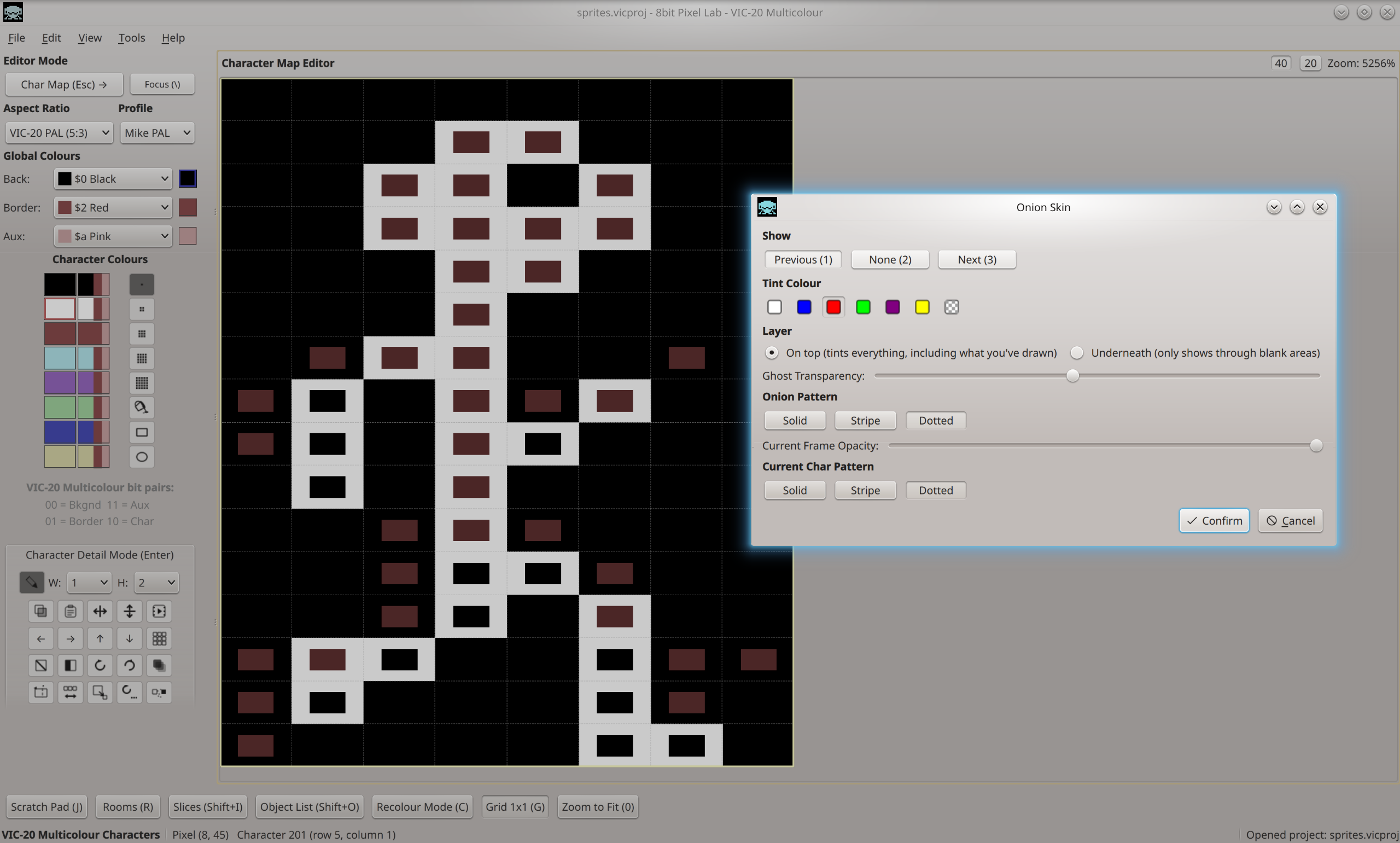
Character & Block Detail View — Work on individual graphics or larger blocks with a larger editing workspace, tiling previews and animation tools including onion skinning.
Powerful selection tools — Select individual characters or blocks and manipulate them with tools such as flip, reverse, resize and other transformations.
Scratch Pad — Experiment with graphics without modifying your main artwork.
Rooms & Object Lists — Build multi-screen game worlds and mark positions for objects such as enemies, doors and triggers.
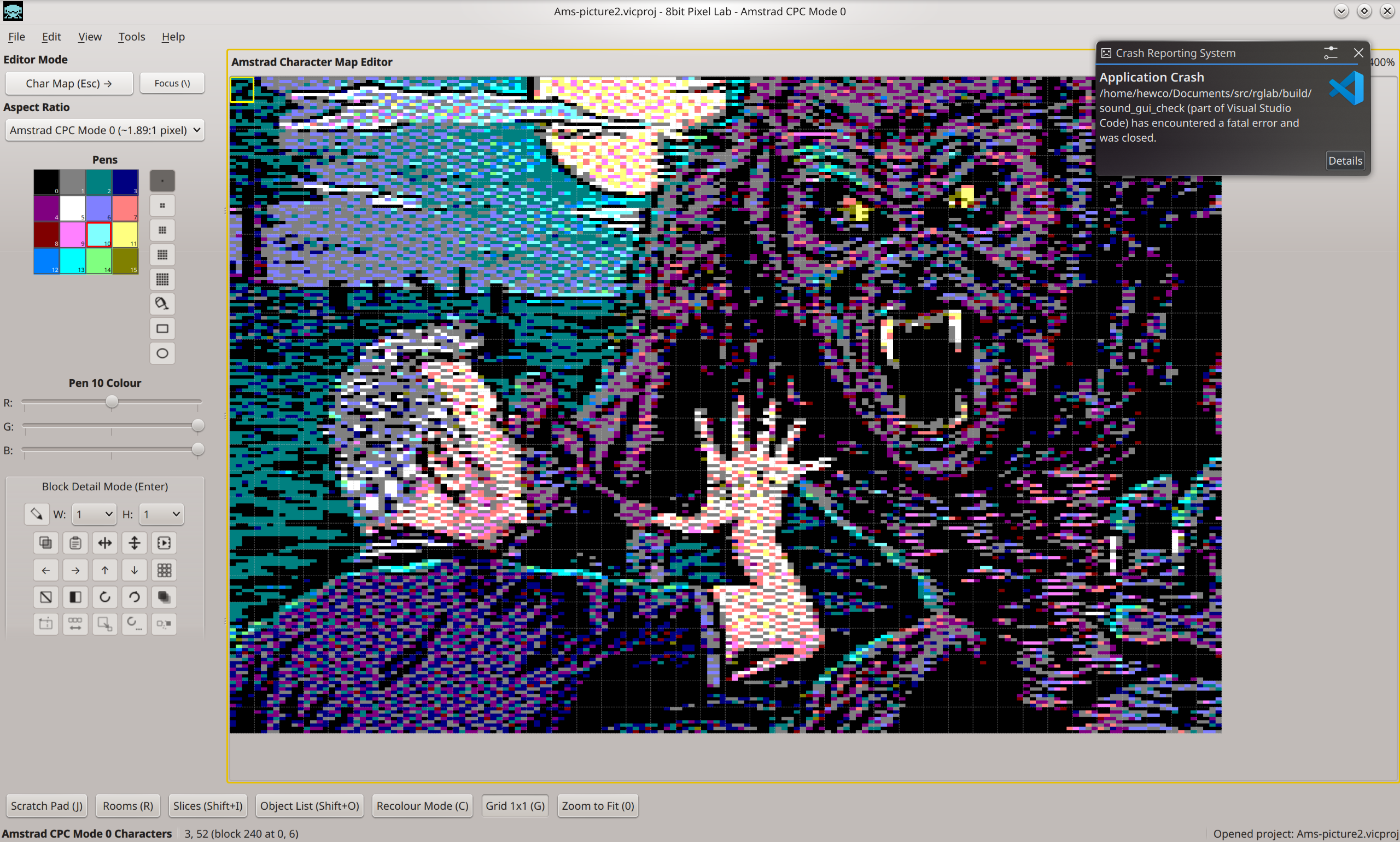
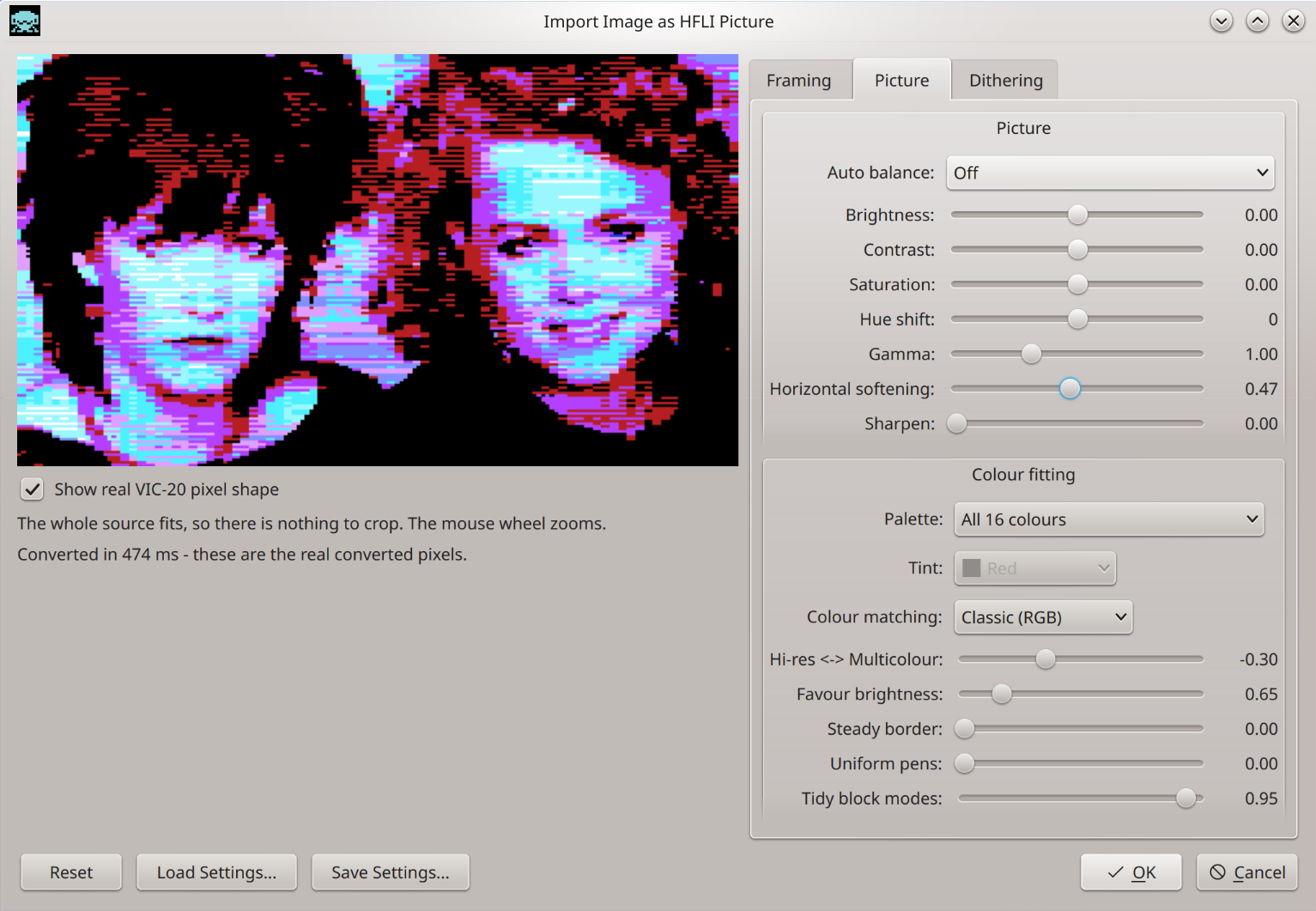
Advanced Image Import — Import PNG, JPEG and GIF images with live conversion preview and controls for brightness, contrast, saturation, hue, gamma, sharpening, dithering and colour selection.
Slices — Define named areas of your artwork and export them as separate graphics data.
Flexible Export — Export character, tile and bitmap data for use in your own development tools and workflows, including TRSE .flf projects and binary exports.
Designed for real hardware limitations — See your artwork through the restrictions that make these machines unique, rather than drawing unrestricted pixels and fixing problems later.
Supported Computers & Screen Modes
Commodore VIC-20
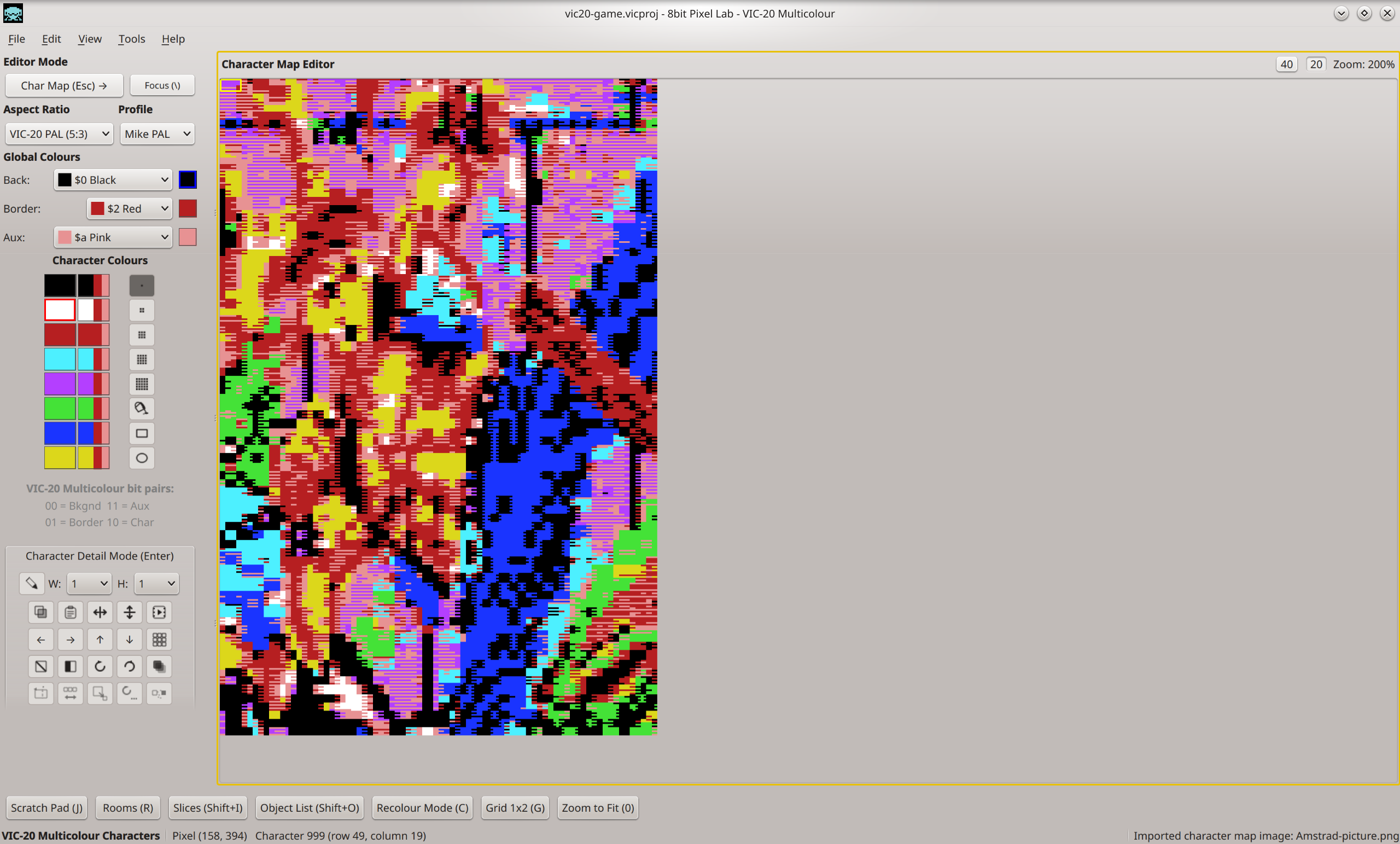
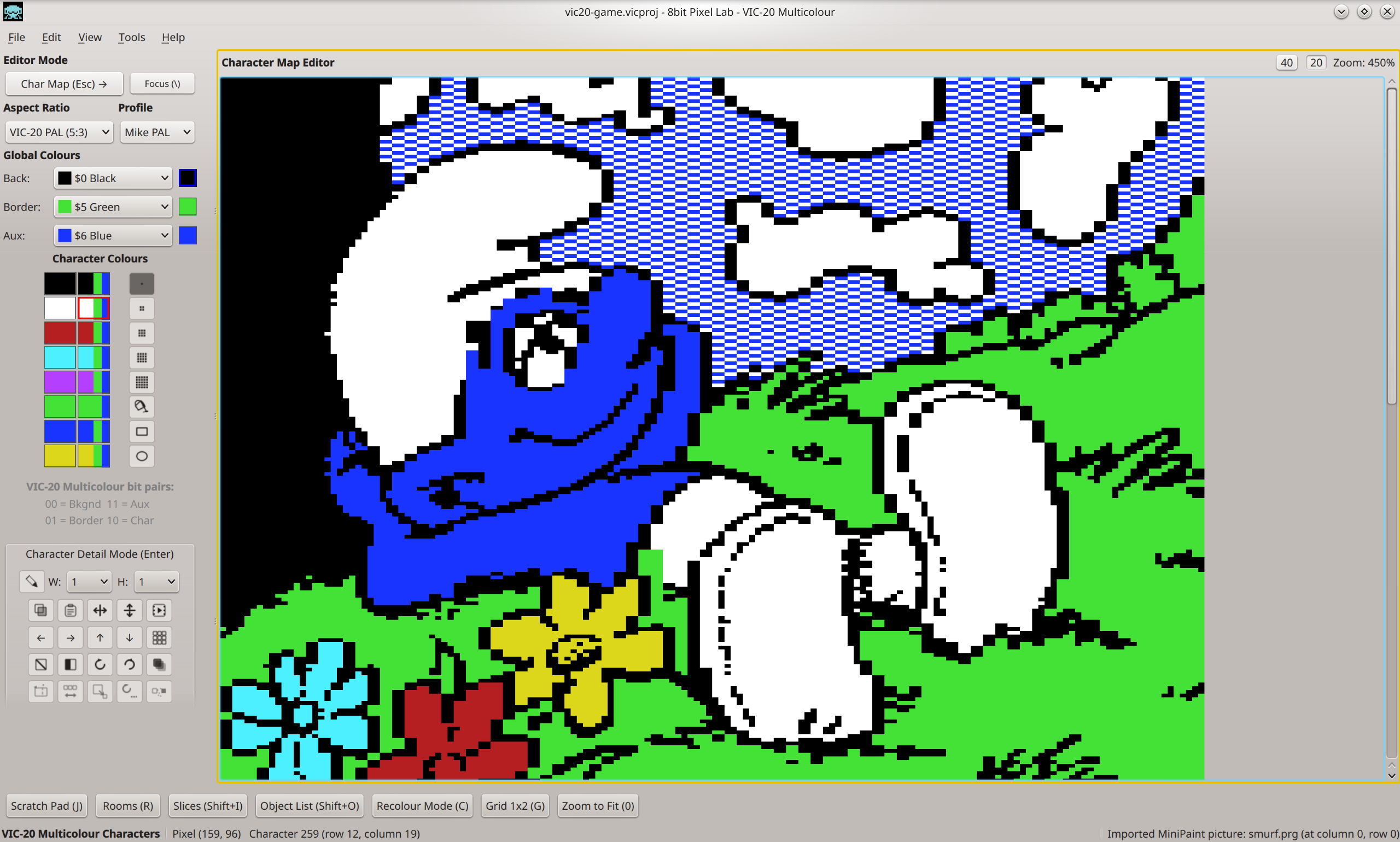
- Character Mode — 22 × 23 characters, 8 × 8 pixel cells, with Hi-Res and Multicolour character graphics.
- Bitmap / MINIPAINT — 160 × 192 Hi-Res or 80 × 192 effective Multicolour pixels.
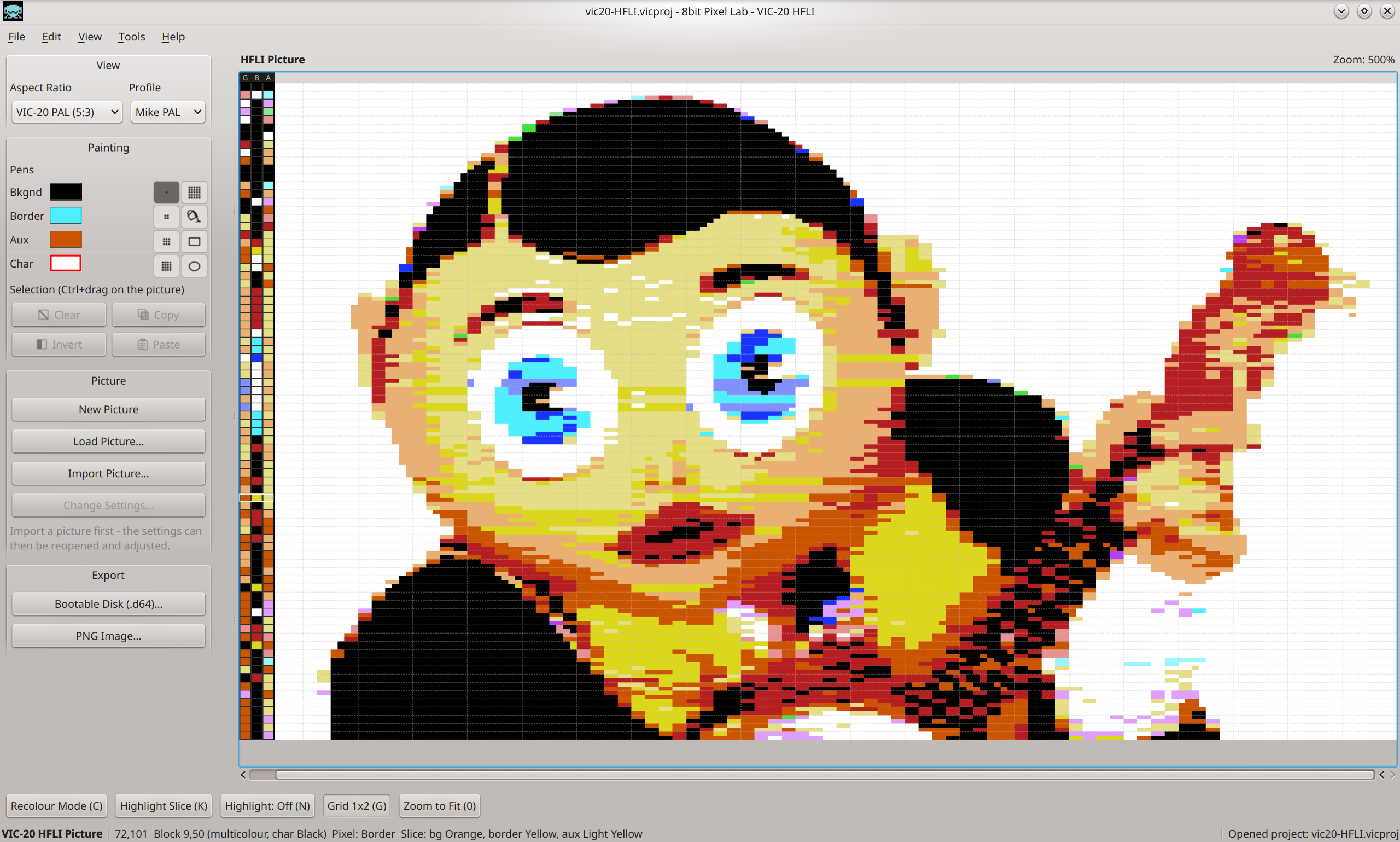
- HFLI Bitmap — 168 × 160 Hi-Res / Multicolour graphics with changing global colours every two scanlines.
- Double Height / 8×16 Character Colour Mode — Supports graphics using vertically paired characters with shared colour restrictions.
Commodore 64
- Character Mode — 40 × 25 characters, 8 × 8 cells, with Hi-Res and Multicolour graphics.
- Extended Colour Mode (ECM) — 40 × 25 character layout with four selectable background colours.
- Hi-Res Bitmap — 320 × 200 pixels with per-cell foreground and background colours.
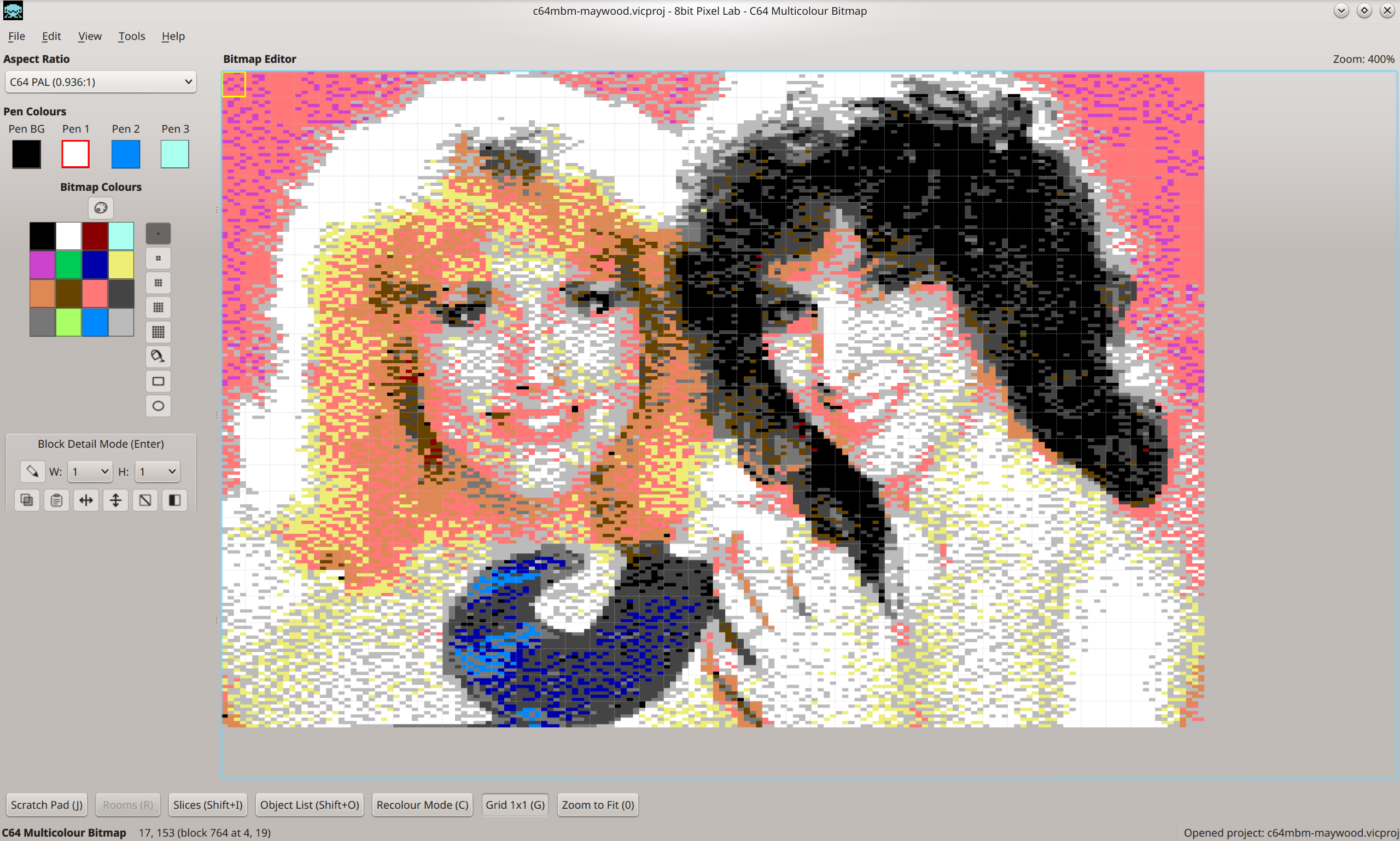
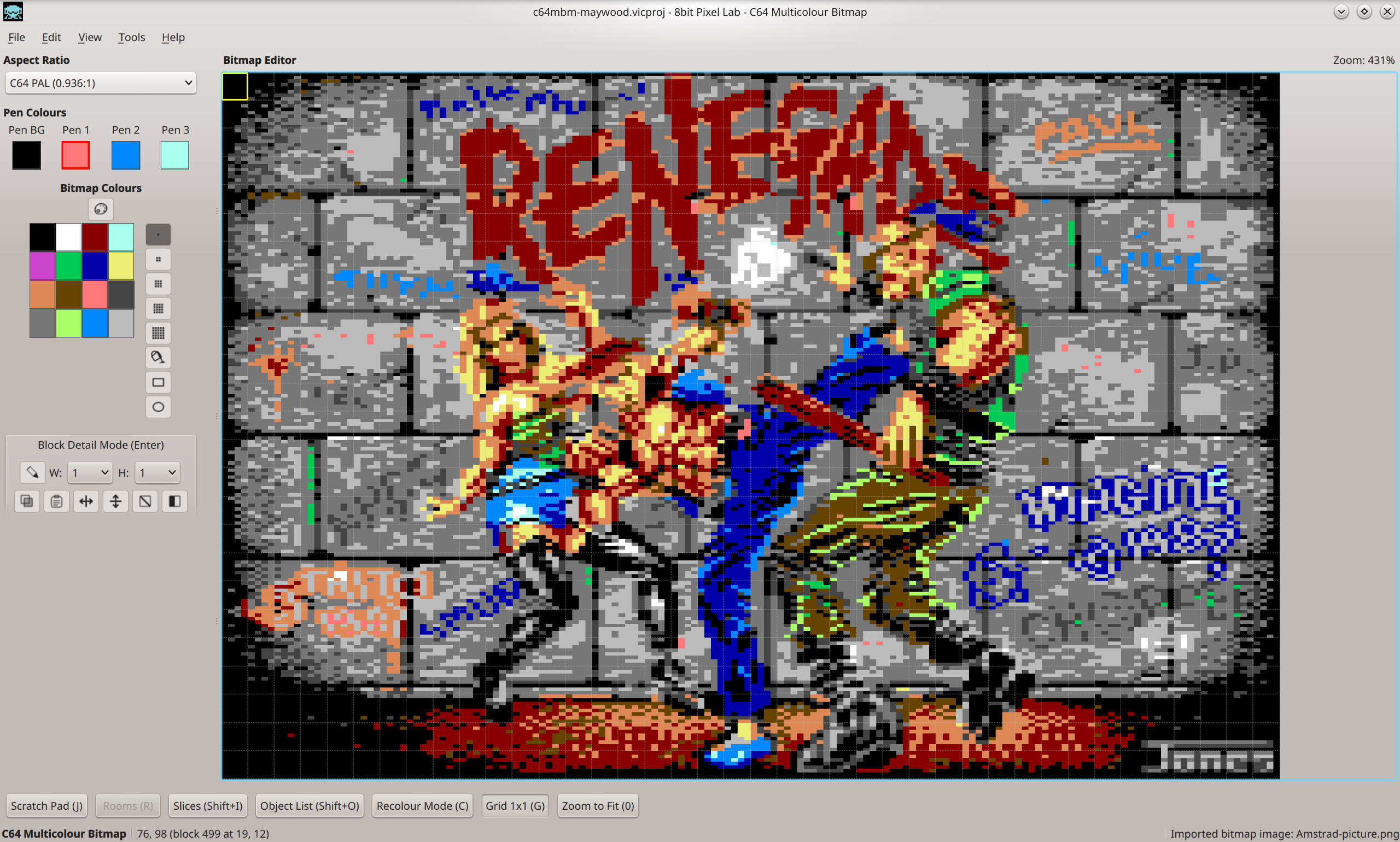
- Multicolour Bitmap — 160 × 200 effective double-width pixels with four colour sources per cell.
Amstrad CPC 464 / 664 / 6128
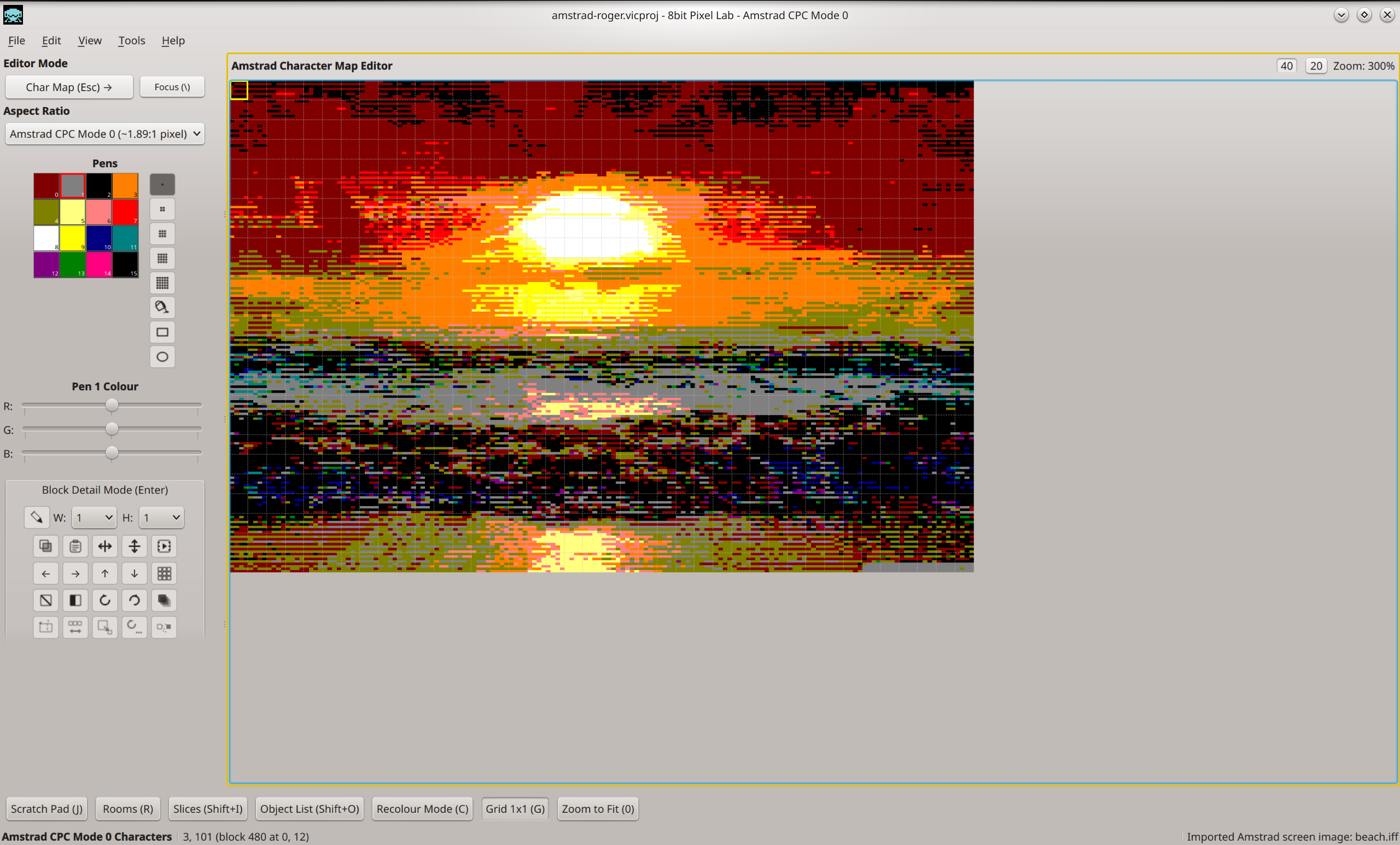
- Mode 0 — 160 × 200 pixels, up to 16 colours from a 27-colour palette.
- Mode 1 — 320 × 200 pixels, up to 4 colours.
- Mode 2 — 640 × 200 pixels, 2 colours.
Acorn Electron
- Mode 1 — 320 × 256 pixels, 4 colours from the Electron's palette.
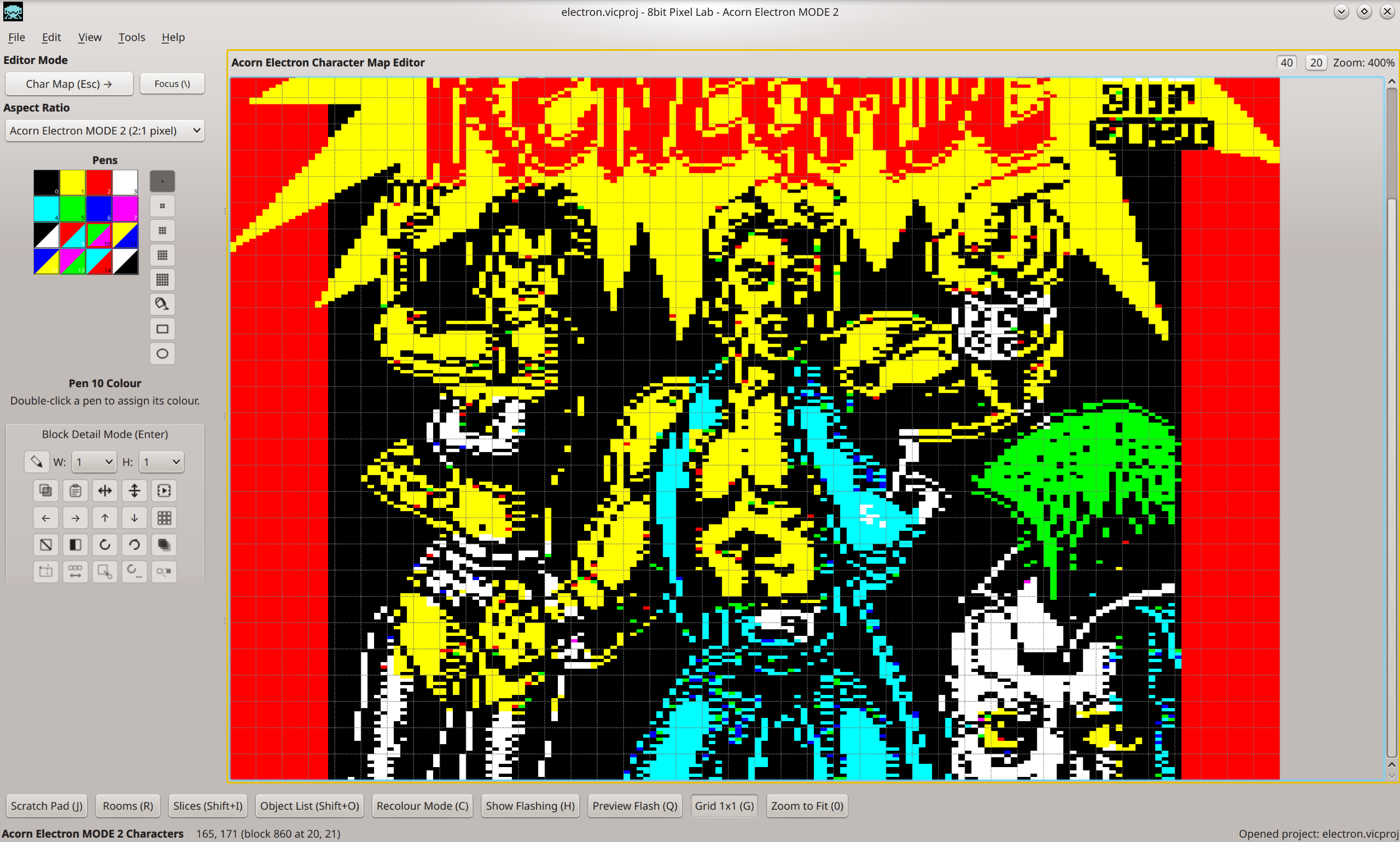
- Mode 2 — 160 × 256 pixels, 16 colours from the Electron's palette.
Built for 8-bit Game Development
8bit Pixel Lab makes it easier to create games for classic 8-bit computers. Build reusable characters and graphics, combine them into tiles and scenes, refine your artwork while seeing it in context, and export the finished data for your game.
It works with the real colour, pixel and screen-mode limitations of each machine, helping you create authentic graphics without having to fight the hardware rules yourself.
8bit Pixel Lab was originally created to make graphics and levels for its author's own games — and is now available for anyone to use. Uncle Claude was used to help bring 8bit Pixel Lab to life.

8bit Pixel Lab
(c) 2026 Andy 'Hewco' Hewitt
This version is a beta — While I've tested very carefully you may find the odd bug. Please let me know any issues you find (andyh@hewco.uk) and the steps to replicate the problem if possible. I'd also love to hear your ideas for improvements or new features that you'd like to see in a future version.
8bit Pixel Lab is completely free to download and use. Your work is yours. Anything you create with it - graphics, data, source code, finished games - is entirely yours.
If you'd like to support me, please spread the word and link to this itch page. If you make anything with it a credit is appreciated but not required. If you've used 8bit Pixel Lab to a published game or demo I'd love to see it.
Hope you love this tool as much as I do, have fun!
Download
Install instructions
Update: version 1.01 - Fix for Mac OS and new DPaint file import from Amiga, ST and PC versions.
Download includes the application for Windows, Mac and Linux in various versions, and a getting started guide. Also included is an example folder with some projects ready to load.
Note for Mac and Windows
- on Mac you need to delete the com.apple.quarantine bit before it will work as I have no developer certificate for the application.
- on Windows you will see a warning when first open the app with a Don't Run button. Next to that is a link to allow you to override. You only need to do this once.

Comments
Log in with itch.io to leave a comment.
Absolutely amazing tool. Extra plus for VIC-20 support. Thank's a lot for this :-)
Thank you - has to be Vic 20! This is where the tool started actually, I added the other modes later.
Fantastic! Thank you for Linux and Commodore 64 support!
Thanks.:)
very good
:)
Thanks for the Linux version!
Thank you! Linux is my main development environment, which distro are you using, is the tool running ok on it?
I'm using Ubuntu (LTS) version.
Really nice work.
Thank you!